Test Management
Bridge the gap between Development and QA. Manage test cases, execute runs, and track defects directly linked to user stories.
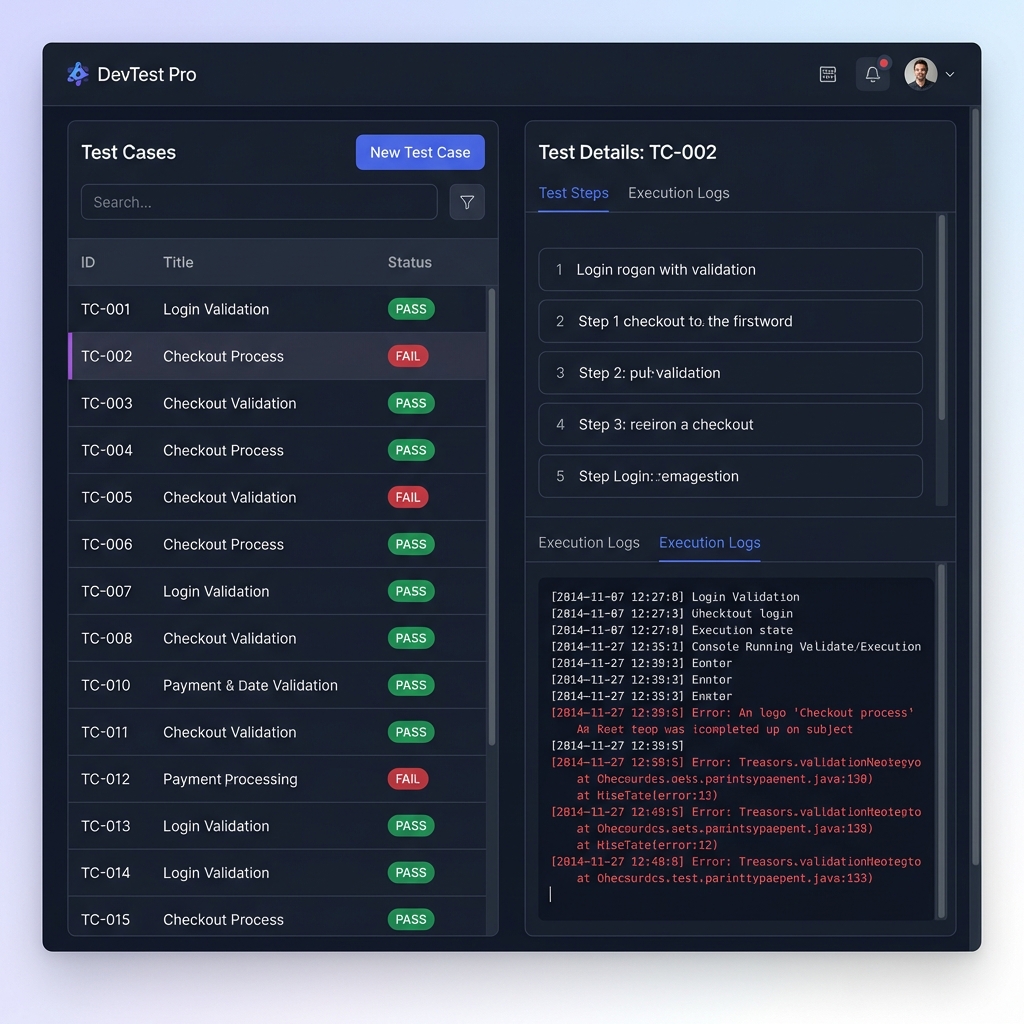
Test Repository
A centralized library for all your test cases. Organize them by folders (e.g., "Login Flow", "Payments").
- Nested Folders: Organize tests intuitively to match your application's architecture.
- Detailed Test Steps: Break down tests into explicit actions and expected results for clear reproducibility.
- Rich Formatting: Enhance test descriptions with markdown, code blocks, and embedded attachments.
- Task Linking: Connect test cases directly to user stories or epics in Project Management to ensure full requirements coverage.
Test Cycles & Runs
Group test cases into a Cycle (e.g., "Release 1.0 Regression"). Execute them and mark as Pass/Fail.
Ad-Hoc Cycles & Scheduling
Create ad-hoc test cycles directly from selected items in the repository, or schedule comprehensive suite runs for major releases.
Defect Linking
When a test fails, easily review the context. Connect bugs directly to execution results so developers have exactly what they need to fix the issue.
The Execution Runner
A dedicated, distraction-free interface for QA professionals executing test cycles.
- Step-by-Step Validation: Mark individual steps as Pass, Fail, or Skipped.
- Contextual Comments: Add notes or attach screenshots directly to the exact step where an anomaly occurred.
- Execution History: Klority captures the exact timestamp and context of every run, ensuring a complete audit trail of your testing efforts.
 Navigation