Run Your Agency.
Not Just Your Sprints.
Software agencies bleed billable hours when their project management tool and billing system are disconnected. Klority unifies agile sprints, timesheets, and client invoicing into one source of truth.
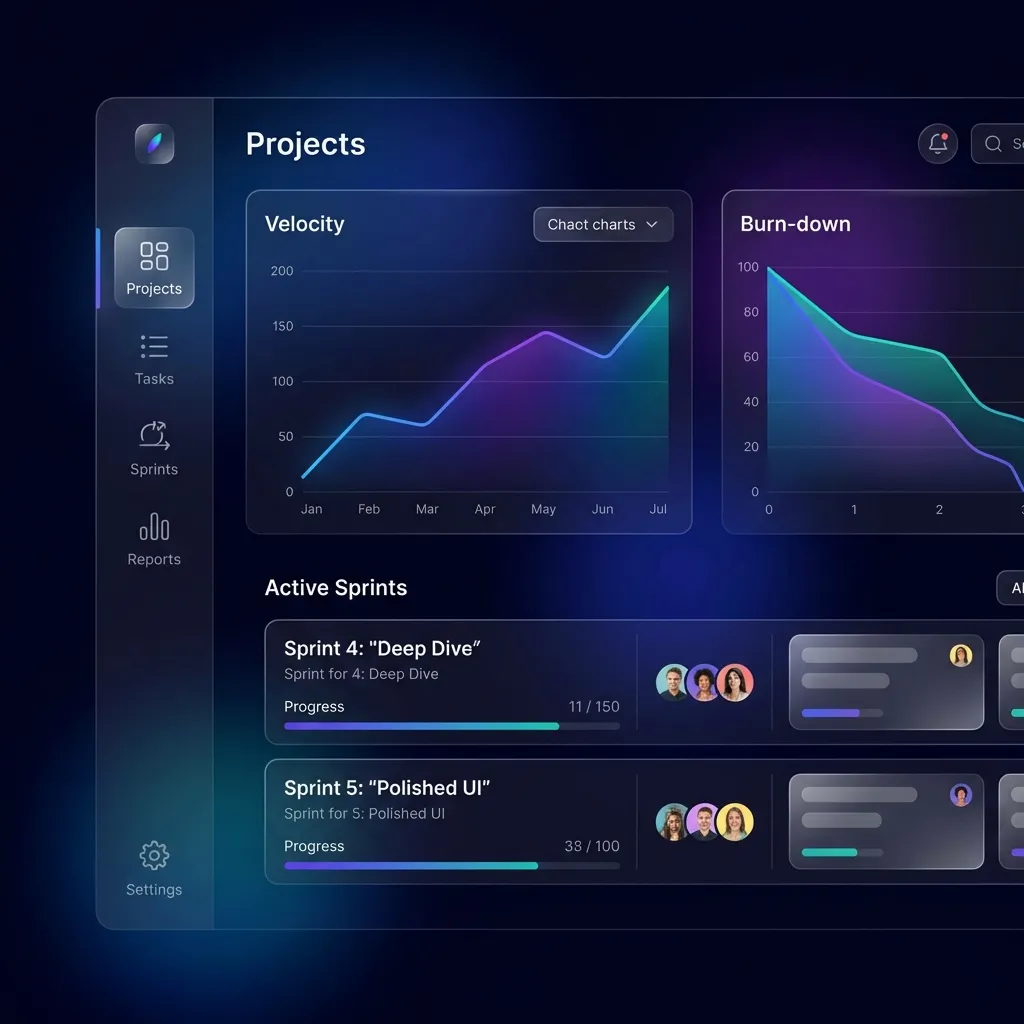
Jira wasn't built for your finance team.
If you run a dev shop or agency, you know the pain: Engineers log time in Jira, Project Managers build spreadsheets to guess the budget, and Finance begs for data to send an invoice. It's slow, error-prone, and costs you money.
- Spreadsheets are outdated the moment you save them.
- Timesheets lack the context of what was actually built.
- You find out you lost money 30 days after the project ends.
The Klority Solution
Klority unifies the Engineering Context (Tasks, Epics, Sprints) with the Financial Reality (Rates, Budgets, Invoices). When an engineer moves a task to "Done," your profit margins update instantly.
Everything required to run a profitable agency.
We didn't just build a time tracker. We built a complete financial operations engine designed for service businesses.
Projected at Completion (PAC)
Our PAC engine acts as an early warning system. It combines your actual approved spend with the remaining estimates to forecast your final project margin. If a project is trending over budget, Klority flags it weeks before it happens.
Historical Rate Snapshots
Salaries and client rates change over time. Klority takes a 'snapshot' of the exact rate active when a time log is created. This guarantees that your historical reporting and past invoices remain 100% accurate, even years later.
Timesheet Approvals
Protect your billing integrity. Team members log 'pending' time, but managers must approve it before it counts towards client revenue. This two-step process eliminates disputes and ensures every billed hour is legitimate.
Resource Utilization Heatmaps
Stop guessing who is overworked. Our capacity-aware heatmaps compare logged hours against each team member's weekly capacity target. Spot 'The Bench' or prevent burnout instantly.
Milestone-Based Budgets
Don't just track one giant budget. Assign specific Cost and Revenue targets to individual Epics or Milestones. Know exactly which phase of the project is eating your margins.
Custom & Private Invoicing
Generate professional, printable invoices in one click. Add workspace-level custom fields (like PO Numbers) and line-item columns. Use privacy formats to bill for resources without revealing developer names to your clients.
The Profit Loop
A seamless lifecycle from the first logged hour to the final paid invoice.
Execute
Engineers work on tasks and log their time. Klority silently snapshots the active financial rates for accurate costing.
Validate
Project managers review the timesheets. Approving a log "locks" it financially, guaranteeing client billing integrity.
Forecast
The PAC engine analyzes the approved data vs estimates, instantly showing if the project will hit its profit targets.
Realize
With one click, turn all unbilled, approved work into a beautiful PDF invoice ready to be sent to your client.
Financial Operations FAQ
Everything you need to know. Click a question to expand the answer.
Do I need a separate accounting tool?
Klority handles the Project Accounting (tracking costs, margins, and generating invoices based on tracked time). You will still use a tool like QuickBooks or Xero for your general ledger, taxes, and payroll.
How do historical rates work?
If John's cost rate is $50/hr in January, but he gets a raise to $60/hr in February, any time logged in January remains calculated at $50/hr. This ensures your Q1 profit reports don't suddenly change when you update his rate in Q2.
Can I set different billing rates for different projects?
Yes. You can define a 'Workspace Default' rate for an employee, but you can override that rate on a per-project basis if you have negotiated a special rate for a specific client.
What is the PAC Engine?
PAC stands for 'Projected at Completion'. It calculates: (Actual Cost to Date) + (Remaining Estimated Hours * Employee Rates). This gives you a highly accurate prediction of what the project will cost when it's finished, allowing you to catch overruns early.
How do project expenses work?
You can log fixed expenses (like server costs or travel) directly to a project. You can also set a 'Default Markup Percentage' so that a $100 expense is automatically billed to the client at $120.
Can I customize my invoices?
Absolutely. You can define custom header fields (like PO Numbers) and custom line-item columns (like Tax Codes) at the workspace level. Klority also includes privacy formats to hide developer names on client-facing invoices.
Ready to scale your margins?
Join the modern agencies that use Klority to manage their projects, their people, and their profits in one unified workspace for $2/user.
No credit card required. Cancel anytime.
 Navigation